

Keysake
Learn as you type

Type in Chinese.Discover English in real time.

Keysake is a Mac input method that brings relevant English expressions to your everyday typing, so you learn naturally from the messages and notes you write.

THE IDEA BEHIND KEYSAKE

Start with what you already want to say.

Meaningful language practice comes from your own life: a quick message, an email draft, or a sudden thought.

Instead of memorizing random word lists, Keysake connects new expressions to what you actually want to say, giving each one a context that matters to you.

Your words. Your context. A little learning every day.

WHERE WE WANT TO GO

Starting with Chinese → English. Thinking beyond it.

The language you already know can help you learn the language you want to speak.

We’re starting with Chinese input for English learners. We plan to support English input and expand to more languages, including Japanese and Korean.

FAQ

What does Keysake support today?

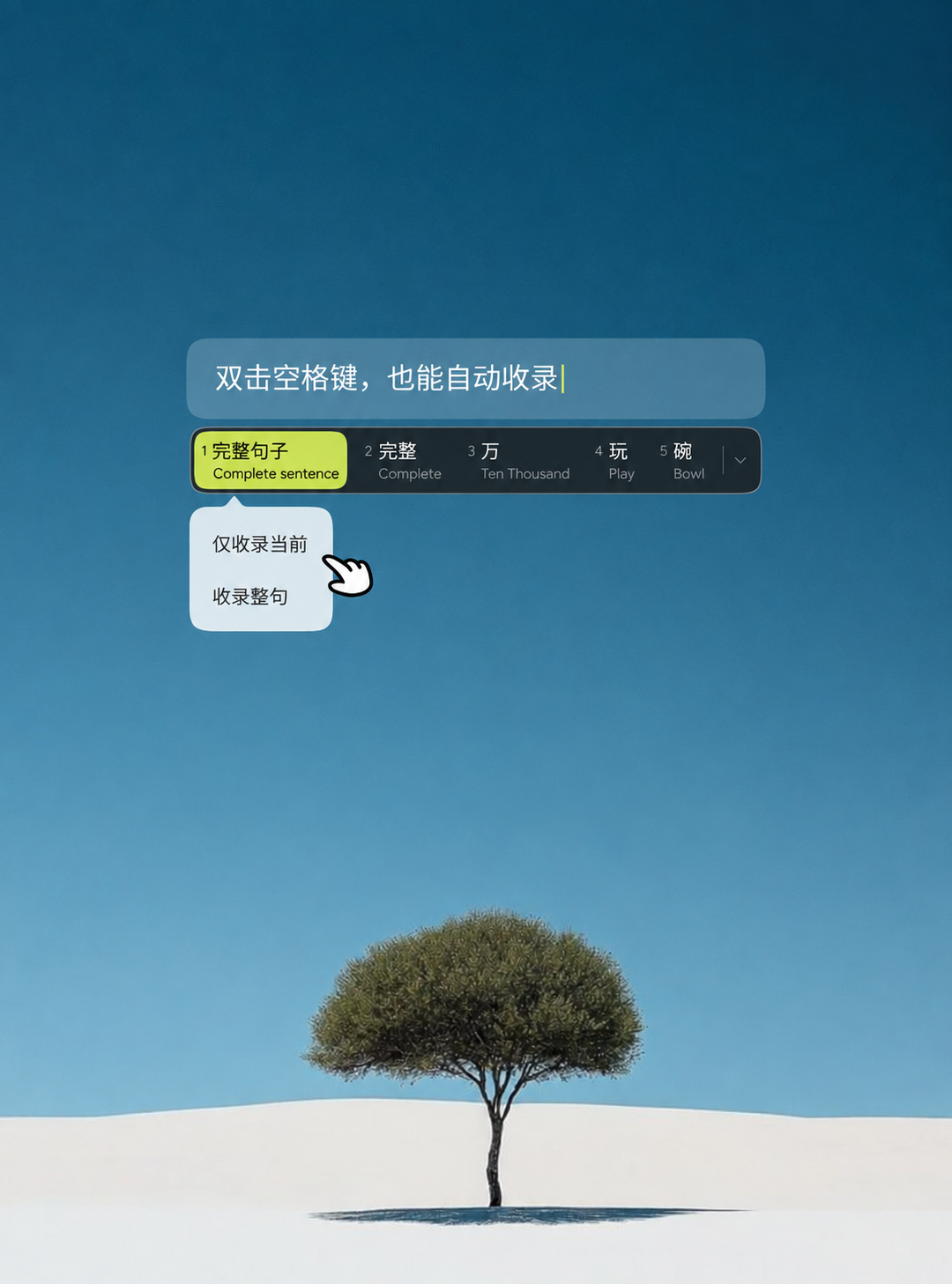
Keysake currently runs on Mac and has a Chinese-language interface. Type in Chinese to see corresponding English expressions, and collect words, phrases and sentences as you type. Revisit your collection in the Mac app for automatic explanations of sentence structure and grammar.

Can I type in English to learn Chinese?

Not yet. This version supports Chinese → English: you type in Chinese and see English expressions. English input and English → Chinese learning aren’t supported yet.

Is the app available in English?

The app interface is currently in Chinese. This website is in English to introduce Keysake to a wider community, but you’ll need to be comfortable reading Chinese to use this version.

Will more languages be supported?

Yes—that’s our plan. We want to support English input and expand to languages such as Japanese and Korean, helping more people learn through their native language. We don’t have a release date to share yet.

MAC APP

Get Keysake for Mac

This is a design preview. An installer is not connected yet.